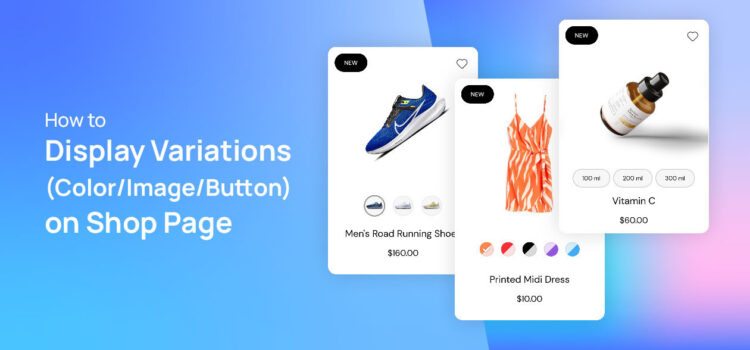
How to Display Variation Swatches on Archive or Shop Page for WooCommerce

How to Display Variation Swatches on Archive or Shop Page for WooCommerce

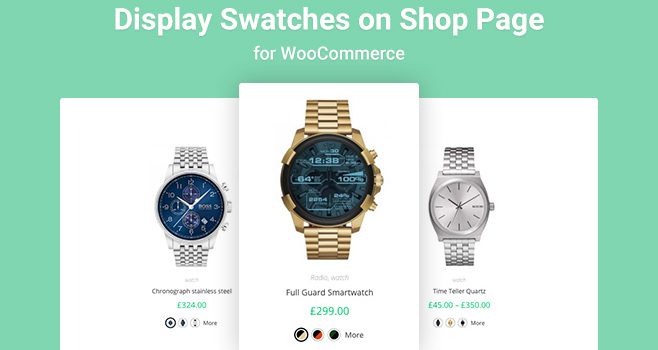
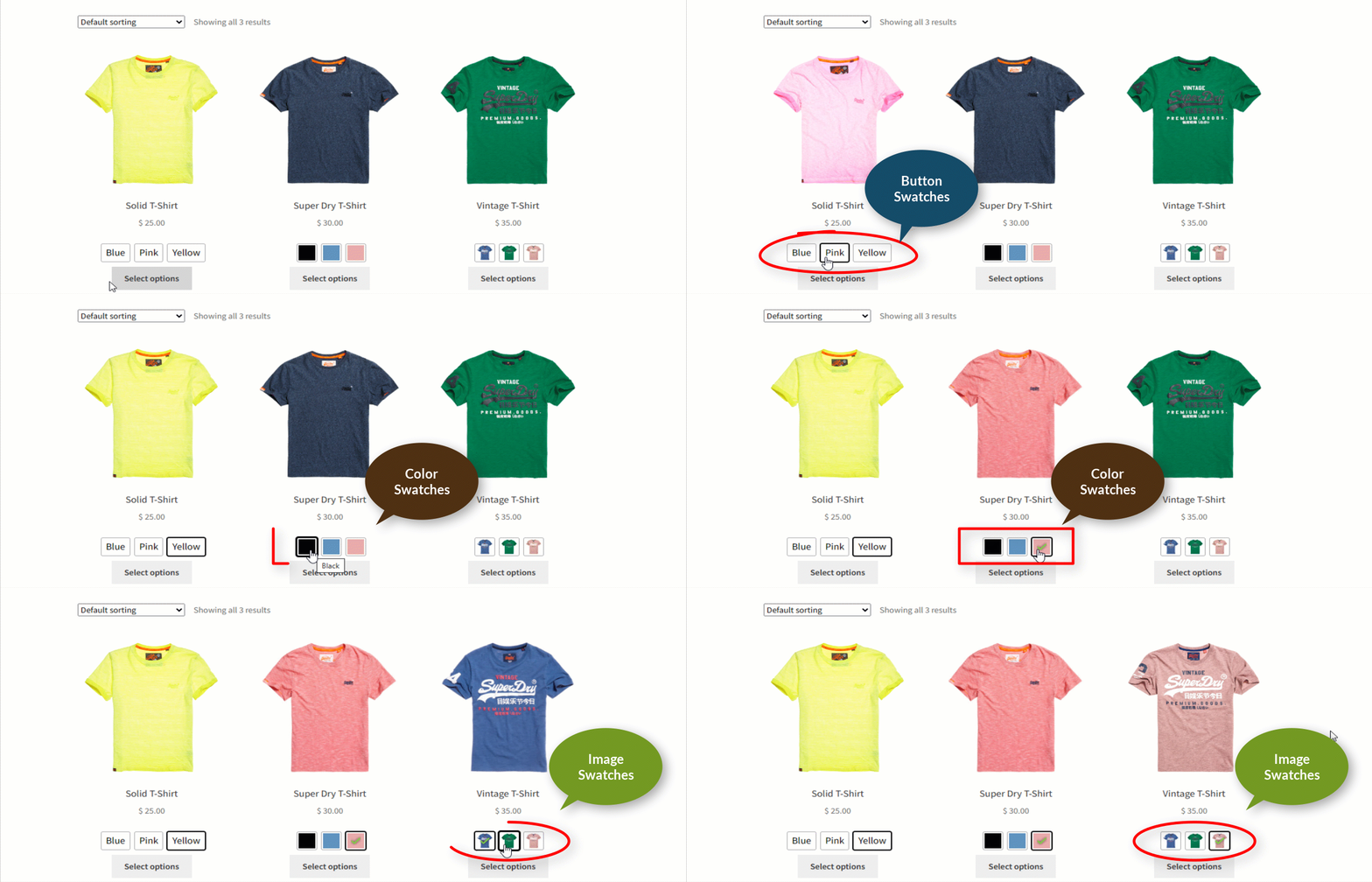
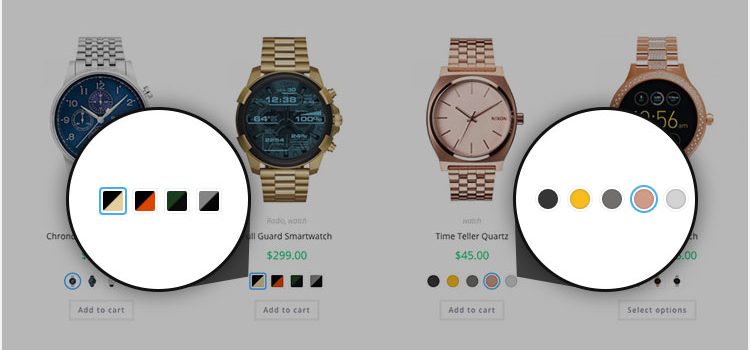
In WooCommerce, displaying variation swatches on the shop page is crucial for enhancing the shopping experience. These swatches allow customers to see different options (like color, size, or style) of a product at a glance without having to click on each individual product page.

Moreover, visual representations through swatches make the products more appealing and engaging. Overall, incorporating variation swatches on the shop page improves user experience, boosts customer satisfaction, and ultimately leads to higher sales conversions.

Adding color variations is one of the best ways to bring more life to your product page.
On the other hand, adding image variation swatches provides a pleasant way to display product variations. Continue reading


Top 10 Best WooCommerce Variation Swatches Plugins (2024)

Top 10 Best WooCommerce Variation Swatches Plugins (2024)

We assume, you have variable products on your WooCommerce store and you want to grow your sales.

But, you don’t know what is the first step to increase sales in your online store.

The step is to impress your potential customers visually. You must optimize your store and product pages to do so.

You’ll notice that the shop page is too plain to attract customers in the best way. Continue reading

How to Display Variation Swatches on Archive or Shop Page for WooCommerce

How to Display Variation Swatches on Archive or Shop Page for WooCommerce

In WooCommerce, displaying variation swatches on the shop page is crucial for enhancing the shopping experience. These swatches allow customers to see different options (like color, size, or style) of a product at a glance, without having to click on each individual product page.

Moreover, visual representations through swatches make the products more appealing and engaging. Overall, incorporating variation swatches on the shop page improves user experience, boosts customer satisfaction, and ultimately leads to higher sales conversions.

Adding color variations is one of the best ways to bring more life into your product page.
On the other hand, when you add image variation swatches, it provides a pleasant way to display variations of a product.

Continue reading

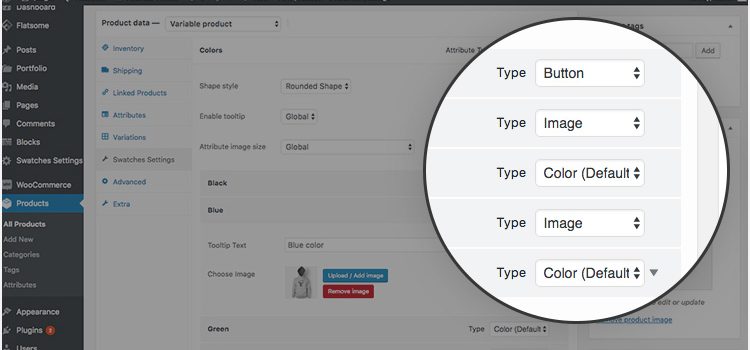
How To Create WooCommerce Multi / Dual Color Swatches For Variable Product Variations

How To Create WooCommerce Multi / Dual Color Swatches For Variable Product Variations

In the very first tutorial, I explained to enable WooCommerce color swatches for product attribute variation. Today, I am going to write a tutorial on creating WooCommerce dual color swatches in few steps.

It’s the premium feature of WooCommerce Variation Swatches plugin. If you haven’t downloaded it yet, don’t now. For the convenience of the newcomer, I’ve added a free version of the plugin.

Continue reading

What’s New In WooCommerce Product Variation Swatches Plugin Update v1.0.12

What’s New In WooCommerce Product Variation Swatches Plugin Update v1.0.12

We’ve been working hard to evolve our popular WooCommerce Variation Swatches Plugin daily. Based on your feature request and bug report, we’ve included many of incredible features that you love. On top of that, we have refactored our codebase to squash many of limitation based on your reporting.


Existed to hear about the features, right?

Let me me point them out before explaining them individually.

  • Set Single Attribute for Catalog Page
  • Special Attribute Sizing in Product Page
  • Hide Out of Stock Variation without hiding out of stock products.
  • Professional Swatches Styling Panel

Continue reading

How To Enable Individual Product Basis Variation Swatches Customization

How To Enable Individual Product  Basis Variation Swatches Customization

Product Basis swatches customization is a powerful and exclusive feature. In the free version, you have to use global created swatches for all product. Whereas premium version allows you to customize your swatches based on the individual product.

Suppose, you sell a T-shirt. Each T-shirt has a different variation of pattern to show. In this case, you get locked. You can’t global variation each for each product. To help you out we have built this feature. To enable this feature you have to both free and premium version of WooCommerce variation swatches is installed.

Continue reading

How To Enable Product Variation Color, Image, Radio and Label Swatches On Store / Archive Page In Flatsome Theme

How To Enable Product Variation Color, Image, Radio and Label Swatches On Store / Archive Page In Flatsome Theme

WooCommerce Variation Swatches Pro is creatively crafted plugin to boost your site conversion. It allows customers to check product color variations from the store pages and allows to add them to cart quickly. In this tutorial, I’ll show you how you can enables color, label, image, radio swatches on store / archive page using Flatsome Theme.

Continue reading

How To Enable Radio Swatches for WooCommerce Variable Product In Flatsome Theme

How To Enable Radio Swatches for WooCommerce Variable Product In Flatsome Theme

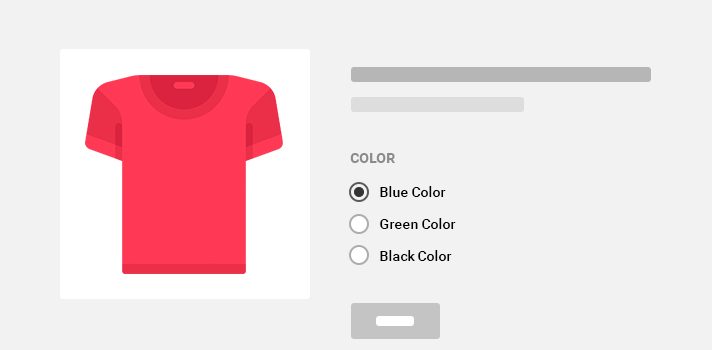
Creating label swatches is the awesome feature of WooCommerce Variation Swatches. Besides creating color, image, and label swatches. It allows to enable radio swatches with ease.

Radio swatches is the premium version of WooCommerce Variation Swatches plugin. To enable this feature on your variable product, first purchase the premium version.

Continue reading

How To Enable Button / Label Swatches For WooCommerce Variable Product In Flatsome Theme

How To Enable Button / Label Swatches For WooCommerce Variable Product In Flatsome Theme

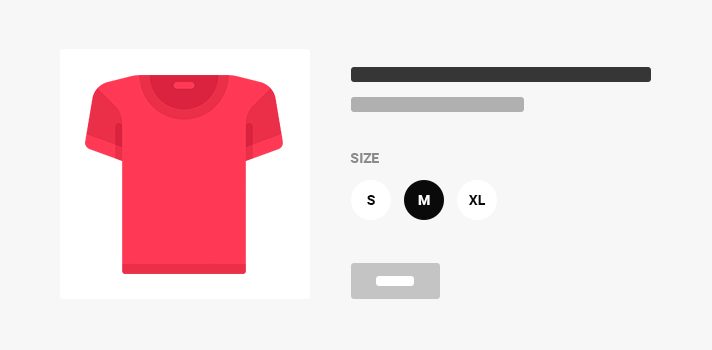
Showing Button / Label swatches is an other powerful option to present product variations smartly. In last tutorials, I showed how to enable Color Swatches and Images Swatches. In this turn, I am going to write to enable label swatches for WooCommerce Product Variations in Flatsome Theme.

Those who are here in this tutorial for the first time, I recommend you to download free or premium version of WooCommerce Variation Swatches plugin from the following link.


As I already described the plugin installation process. Those who missed in the previous tutorial, check here.
Continue reading