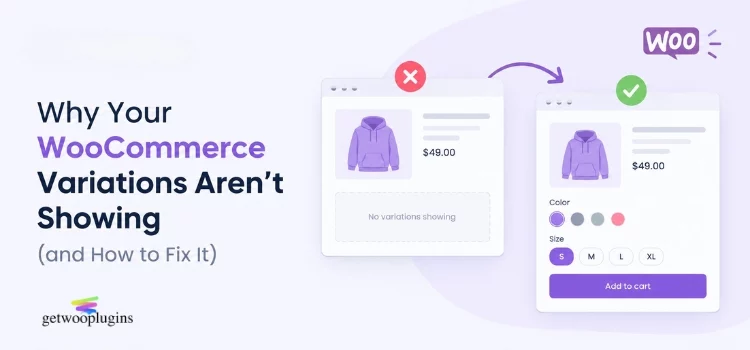
You built a variable product. You added the colors and the sizes. You clicked Update. Then you opened the product page — and there is nothing there. No dropdown. No swatches. Sometimes not even an Add to Cart button.
This is one of the most common WooCommerce problems there is. With over 4 million live WooCommerce stores running today, and more than 7 million active installs of the plugin, this question shows up in support forums every single day.
The good news: the cause is almost always one of about ten things. Most of them are settings, not bugs. You can fix the majority in under five minutes once you know where to look.
This guide walks through each cause, from the most common to the most technical. Start with the symptom table below, then jump to your section.
Continue reading