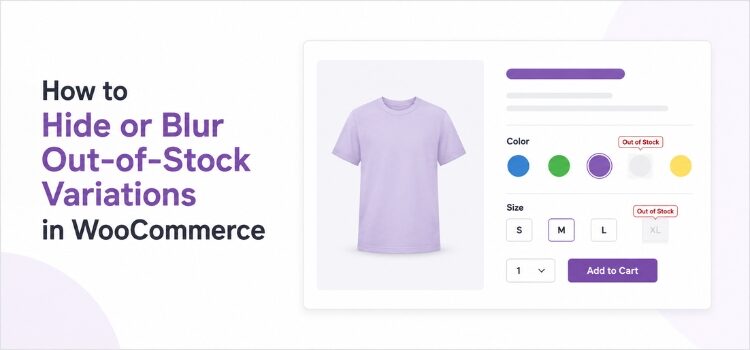
You have a great product page. It shows five colors and four sizes. That is twenty options in total.
Now, let’s assume a shopper visits your page. She clicks “White.” Then she clicks “XL.” And then she sees this message: This item is currently out of stock and unavailable.
That is a bad moment. She did the work of choosing. Your store gave her nothing back.
Most WooCommerce store owners eventually run into the same question: How do I stop showing variations that customers can’t buy?
WooCommerce gives you one built-in setting that covers part of this. The rest you shape yourself. There are four ways to handle it, and hiding is not always the best one. Sometimes it is better to blur the option, cross it out, or grey it out.
This guide shows you all four ways. You will learn how each one works, what the code looks like, and which one fits your store.
Continue reading